Blender → Unreal Engine · USD workflow
When a USD collision box won’t update
You change a box proxy in Blender and overwrite the same USD file. Unreal reads the new shape, yet collision still uses its old boundary. A successful first import and fresh source data do not necessarily mean the engine rebuilt the collision body.
Observed in a small original Windows fixture using Blender 5.1.2 and Unreal Engine 5.8.2. Other versions and larger scenes have not been verified.
Try the free doorway example
One editable Blender scene, four USD revisions and a step-by-step README. Original example data under the included MIT licence. No purchase or account required.
Download free example · ZIPContains no exporter, Unreal helper or engine runtime. It is a diagnostic example, not an automatic collision fix.
1. Check whether guides became collision
UBX or UCX names alone were insufficient in our tested USD import route. Our example places each render mesh and only its assigned box guides as siblings under a separate parent. The render has purpose=default; the guides have purpose=guide.
Both render and guides carry PhysicsCollisionAPI, PhysicsMeshCollisionAPI, collisionEnabled=true and approximation=none. These settings are already authored in the supplied USD files. The parent grouping associates the boxes; the custom IDs in the example are audit metadata, not a new Unreal schema.
Keep collision enabled for this recipe. Other flag and fallback combinations are outside the tested setup. In our fixture, default import closed the doorway; the authored guide representation produced three door boxes and one floor box, with the opening clear.
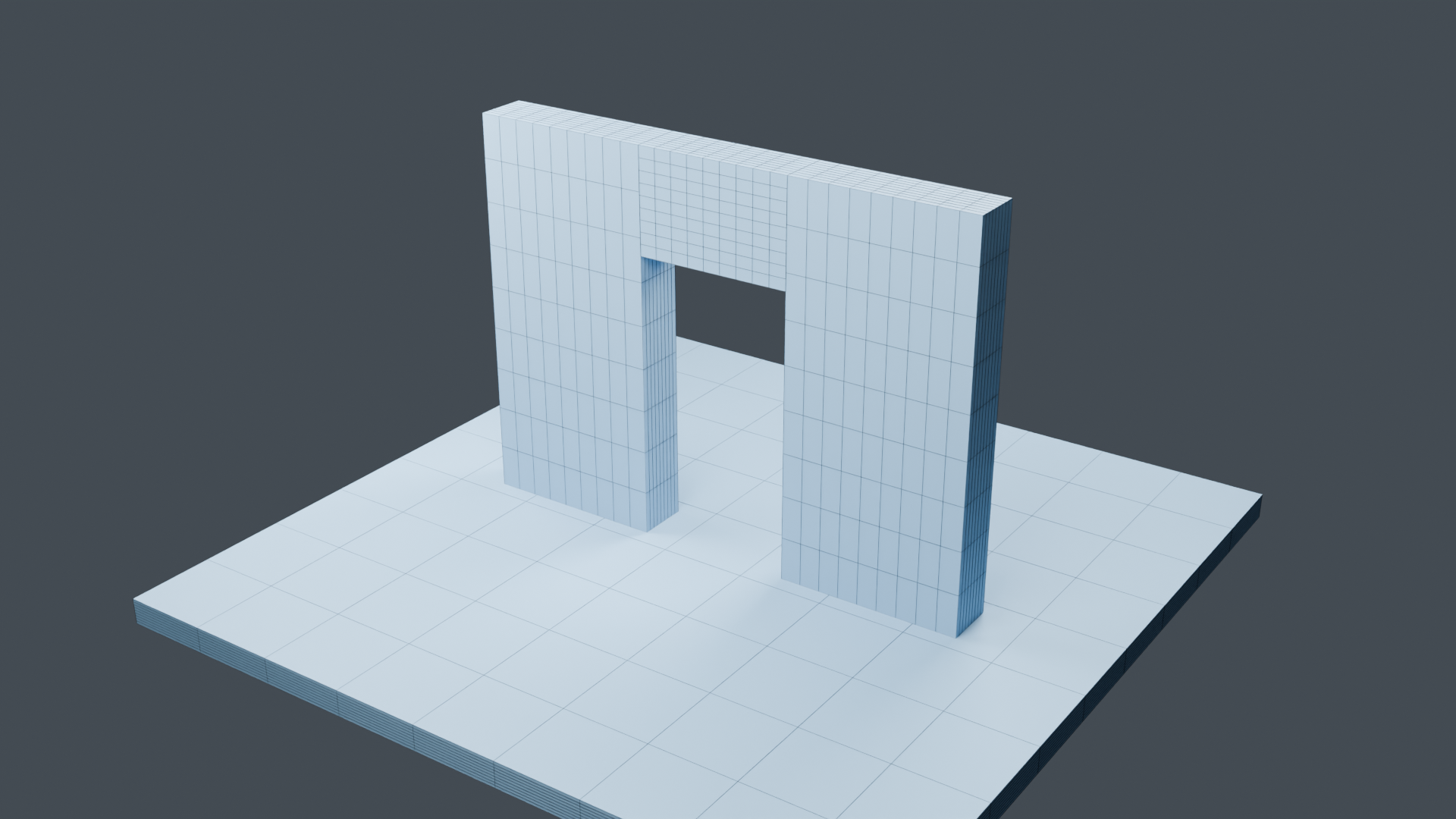
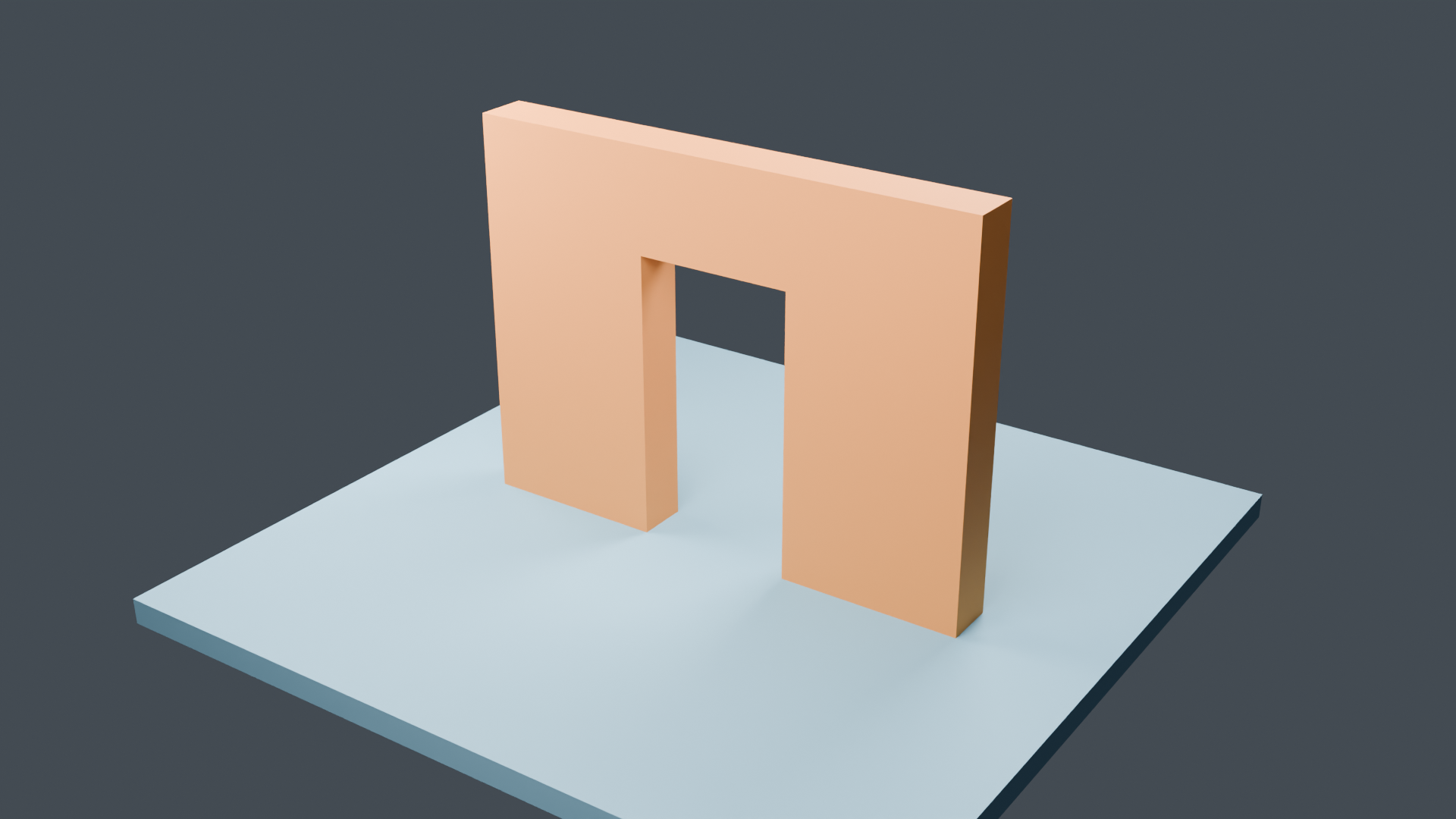
These are Blender renders of the original example. They illustrate the geometry; they are not Unreal screenshots or performance measurements.
2. Check identical-asset sharing
Two identical visible meshes can need different collision boxes. In our comparison, Share Assets For Identical Prims enabled on the stage caused those meshes to share a native collision body despite different guides.
Set that option to false on the example’s stage before evaluating its collision. The comparison then produced separate, correctly sized box bodies with normal caching still enabled. This is a per-stage setting, not a recommendation to disable all engine caching.
3. Test an edit at the same live file path
Opening four differently named files is not the same test as updating one live stage. Their source identities can create different cache entries.
- Extract the free example into a disposable folder. Keep the four numbered originals unchanged.
- Copy
usd/01-wide.usdato a separate working file namedlive.usda. In a disposable Unreal project, enable USD Importer and open that file on one USD StageActor. Use a dedicated cache and disable identical-prim sharing for this test. - Keep the same actor, cache and
live.usdapath. Replace only that working file’s contents with02-narrow.usda, then03-middle.usda, then04-wide.usda. Reload the source layer after each replacement. - Inspect both the updated guide dimensions and the resulting native collision. If the guides change while the native body does not, you have isolated a collision-refresh problem rather than an export that failed to update.
| Source revision | Guide width | Intended source-space probe |
|---|---|---|
| 01 · wide | 1.4 m | Blocked |
| 02 · narrow | 0.4 m | Clear |
| 03 · middle | 0.8 m | Clear |
| 04 · wide again | 1.4 m | Blocked |
The comparison probe runs across the wall at source-space x = −0.8 m, z = 1 m, from y = −2 m to +2 m. Our edited-guide test used a small capsule with radius 2 cm and half-height 2 cm; a normal player capsule can produce different clearance results. These are intended geometry states, not a promise that ordinary reload produces the sequence. Account for the stage’s units and placement when comparing your own Unreal queries.
What we found about refreshing the body
With the render mesh unchanged, ordinary guide reload retained old collision in this fixture. Our private Collision Desk companion passed the four-state sequence by untracking the affected generated mesh’s exact cache entry before forcing the live layer to reload. It created a new door mesh and body while keeping the unrelated floor unchanged after the initial refresh.
External references intentionally retained the old mesh and its collision. A separate saved-project test also required an explicit first-session refresh after reopening. This is not automatic synchronization, and deleting arbitrary cache contents is not a safe substitute for checking ownership and references.
Collision Desk is not available to buy yet. The free download contains only the example data and instructions. The companion’s public distribution route is still being clarified.
A free alternative may already meet your needs
The unmodified USDHook4Collisions passed our doorway, wall and floor collision queries through three whole-asset moves. In our fixture it used the detailed render mesh for complex-as-simple collision and left separate proxy geometry visible. It is a useful starting point when that behavior fits your project. We have measured no frame-rate, memory or setup-time advantage for our approach.
Limits to keep in mind
This recipe covers static, local meshes with closed eight-corner boxes aligned to each render mesh’s local axes. Independently rotated proxies, shear, mirroring, arbitrary convex or concave shapes, animation and composed USD layers are outside its scope. Parent placement and changing a guide’s shape are different operations.
The sample’s USD metadata retains the original export-time UNVERIFIED marker. The README explains the later bounded engine checks. Those checks do not establish large-scene performance, compatibility across engine versions, player acceptance or an effortless setup for every project.
References and related guide
- Epic forum discussion of USD collision and guide representation
- OpenUSD physics representation
- Free hook source and MIT licence
- Pack AO, roughness and metallic channels for a material
Written with AI assistance from original scene construction and controlled source, export and native collision checks. Updated 5 October 2026.